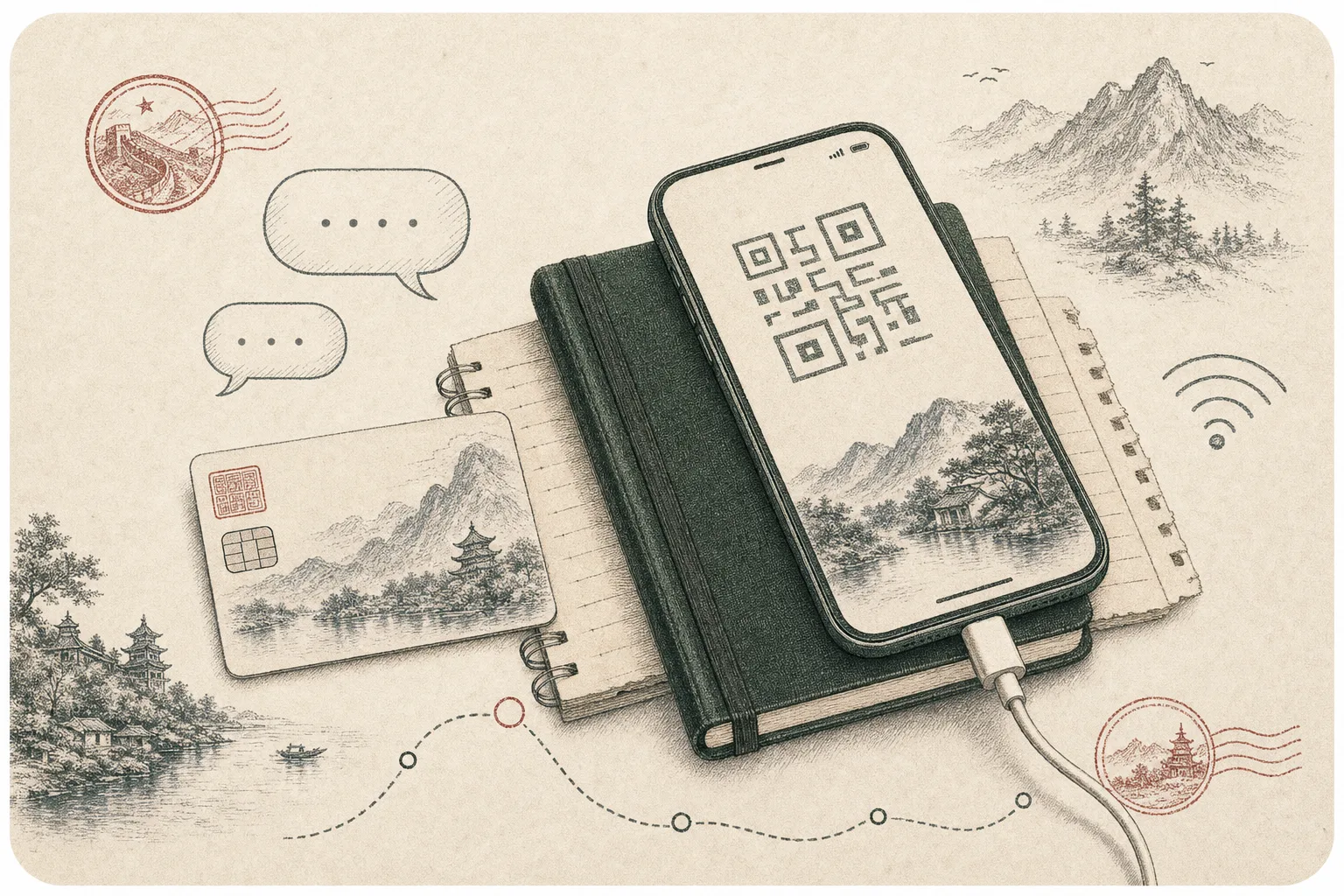
Alipay can make daily spending in China remarkably straightforward for an international visitor. A linked overseas card may fund QR payments at restaurants, shops, taxis and other merchants, while the same app can expose transport and travel services. The experience is smoothest when registration and card verification are completed before the first crowded checkout line.
It is still a payment service, not a guarantee that every card, merchant or mini-program will work. Issuer controls, account verification, transaction type and live platform rules can all affect a payment. Learn the normal flow, keep an independent backup and use the official in-app terms for current limits and fees.
- Set up
- Register and verify before arrival
- Funding
- Eligible international bank card
- Pay
- Scan or present your payment code
- Backup
- Second card plus modest RMB cash
Create the account deliberately
Download Alipay from an official app store and register with a mobile number you expect to retain throughout the journey. Follow the current prompts for identity verification and enter passport details exactly. Use a strong device lock and protect any payment password separately from the phone unlock code. Interface labels can move after updates, so treat screenshots from older tutorials as orientation rather than instruction.
If verification fails, read the error and use official support instead of creating several near-duplicate accounts. Name order and document images are common points where careful input matters. Complete setup on trusted internet with enough time for your bank to send security messages or confirm that a transaction is genuine.
Link and test an overseas card
Add a supported card through the wallet's bank-card area and complete the issuer's verification step. Card brands and charging rules can vary by product and transaction, and the bank may impose its own foreign-use controls. Check the live app agreement and ask the issuer about travel notices, one-time-password delivery and foreign transaction charges.
Make a low-value purchase before relying on Alipay for a larger journey expense. A successful card link proves only that the card was added; it does not prove every merchant category or mini-program transaction will be approved. Enable instant bank notifications and compare the displayed amount before confirming. If a merchant enters the amount, pause long enough to verify the decimal and currency.
Understand both QR methods
In one common flow, you open Scan, read the merchant's collection code, enter the amount if requested and approve payment. In the other, you open Pay or Receive and present your rotating payment code for the merchant to scan. Ask which method the merchant prefers rather than repeatedly scanning a code that is intended for the opposite direction.
Confirm the merchant name and amount on the result screen, then wait for a clear success message. Do not rely only on a screenshot of a payment code: security codes can refresh and screenshots may be blocked or unsafe. Keep the phone in your hand during payment, and never allow an unknown person to navigate into account settings or identity records.
Know why a payment may fail
Failures can come from poor data, issuer fraud controls, an unsupported card, incomplete identity verification, a merchant configuration or a transaction type that does not accept an overseas funding source. Retry only after checking the amount and connection. Repeated rapid attempts can make both the wallet and bank harder to troubleshoot.
Move to the second card or cash when a queue is forming, then investigate through official support in a calmer place. Some services inside mini-programs may have different rules from an ordinary shop payment. Avoid asking a stranger to receive money and pay on your behalf; it creates fraud risk and makes refunds or disputes difficult to trace.
Use Alipay as one layer, not the whole wallet
Keep a modest cash reserve and a second physical card separate from the card linked to Alipay. Know the card issuer's international contact method and retain purchase records for deposits or refundable transactions. If the phone is lost, use device controls to lock it, contact the wallet and card issuer, and review recent activity promptly.
Before leaving China, resolve pending refunds and keep access to the registered number until expected reversals arrive. Remove cards later through the official account controls if that fits your security preference; do not simply delete the app and assume the account is closed. A layered setup lets you enjoy QR convenience without making one device the single point of failure for the trip.
Notebook check
- Check the merchant and amount before every confirmation.
- Switch to a backup after a clear failure instead of repeated attempts.
- Use official support for verification, limits and disputed payments.
The useful takeaway
Set up and test Alipay before you need it, learn both QR flows and watch the confirmation screen. The app is most useful when it sits inside a resilient payment plan with another card, some cash and access to official support.