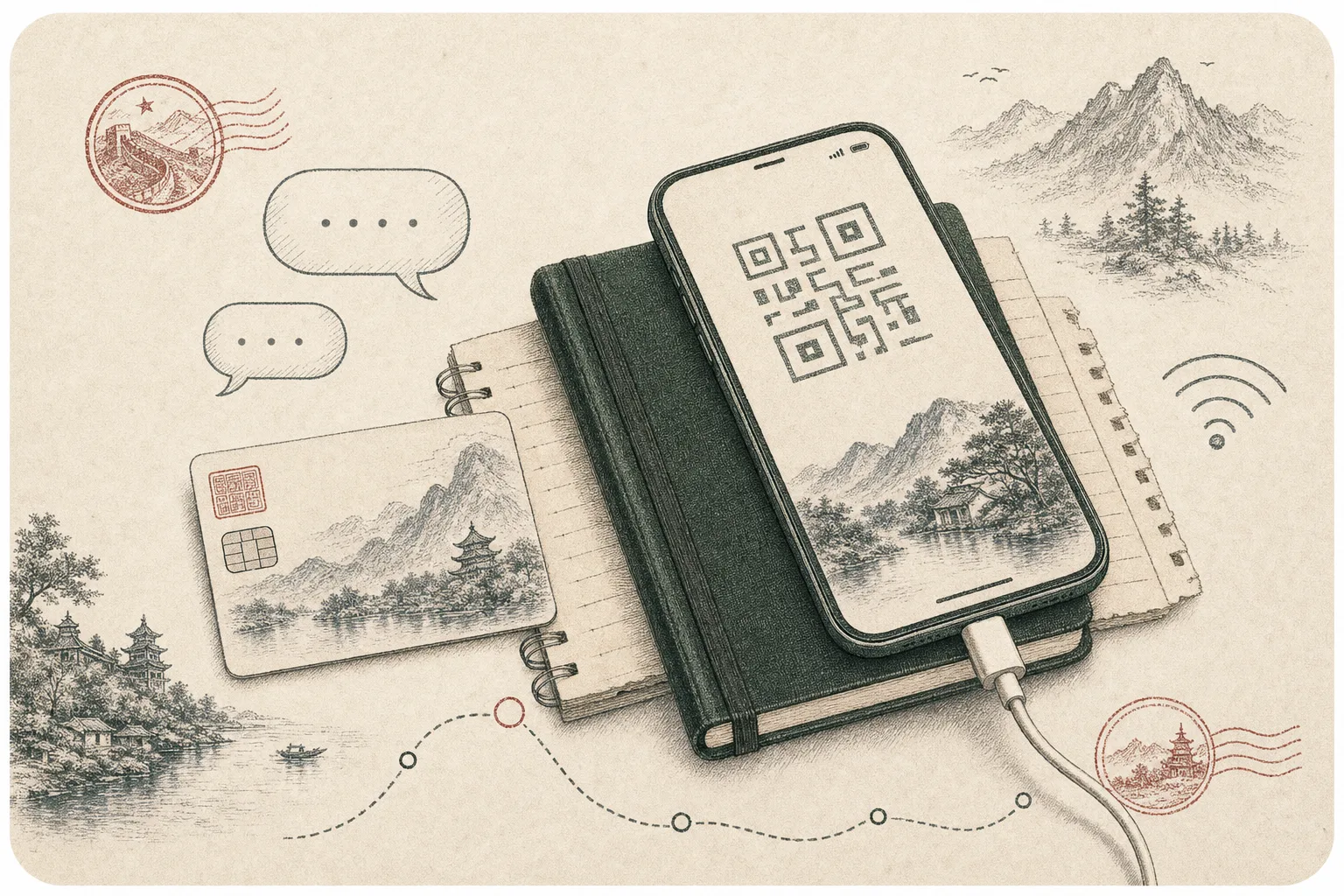
Mobile data is travel infrastructure in China. It supports payments, translation, ride-hailing, navigation and access to transport records, so the cheapest data plan is not always the best one. The right choice depends on handset compatibility, trip length, whether you need a Chinese number and how your chosen network handles services you normally use at home.
No option is universal. Home roaming is simple but can be expensive; an eSIM is convenient but may not provide a local number; a physical local SIM can offer strong value but requires a compatible unlocked phone and identity registration. Build one main connection and one modest fallback instead of assuming airport or hotel Wi-Fi will cover every gap.
- Best default
- Pre-arranged data plus a backup
- Check first
- Unlocked phone and supported bands
- Local SIM
- Passport registration normally required
- Offline kit
- Maps, addresses, tickets and translation
Choose between roaming and an eSIM
International roaming keeps your existing number active and usually requires the least setup. Ask the carrier about the exact mainland China allowance, speed limits, hotspot use and cost after the included data is consumed. Some roaming traffic may be routed differently from local service, but you should never assume a particular website or app will work; test essential tools and plan for local network conditions.
A travel eSIM can be installed before departure and switched on after landing. Confirm that your model supports eSIM, is carrier-unlocked and can keep the home line available for security messages without triggering unwanted roaming charges. Read whether the plan is data-only, which mainland network it uses and how top-ups work. Save the installation code somewhere other than the phone it must configure.
Know when a local SIM helps
A mainland physical SIM can make sense for a longer stay, heavy data use or services that work more smoothly with a Chinese telephone number. Buy from an official operator outlet or clearly authorized counter and bring the passport, because real-name registration applies. Available visitor plans, validity and activation procedures can change, so compare current offers from the operators rather than relying on an old price screenshot.
Before purchase, check that the phone accepts a physical SIM and supports the operator's network bands. Ask staff to confirm data is working before you leave. If replacing your home SIM, store it carefully and make sure losing access to the home number will not block banking or email. Dual-SIM users should label each line and control which one handles data.
Treat Wi-Fi as useful, not foundational
Hotels, airports, cafés and trains may offer Wi-Fi, but login methods, speed and stability vary. Some networks request a mobile number or identity step that is awkward for a visitor without local service. Public Wi-Fi is therefore helpful for large downloads or a backup message, not a dependable substitute for data during an arrival transfer.
Use ordinary security precautions: confirm the network name with staff, avoid sensitive activity on an unknown connection, keep devices updated and disable automatic joining. A personal hotspot from a trusted phone can be more convenient for a companion, though tethering permissions and battery drain depend on the plan. Carry a power bank within current aviation requirements.
Prepare for China's online environment
Some overseas internet services are unavailable or behave differently on mainland networks. Decide before travel which email, cloud files, messaging and authentication tools are essential, then confirm lawful, reliable access arrangements with their providers. Do not make a single blocked cloud account the only place where tickets, insurance details or passport copies exist.
Install Chinese travel apps and language packs in advance, when your normal app store and accounts are easy to reach. Keep key information offline: hotel addresses in Chinese, booking numbers, train details, emergency contacts and a basic city map. An offline file is also faster than searching a crowded inbox at a station gate.
Test the full connection chain
Before departure, update the operating system, enable device tracking, set a strong screen lock and record the eSIM or carrier support route. After landing, test data, a message, navigation and a small payment before leaving the airport or station. If a local SIM is installed, verify that the correct line handles mobile data and that the phone has not silently kept costly home roaming active.
Travel companions should not depend entirely on one person's phone. Give each person the first-night address and a way to reconnect if separated. Even a limited second data plan can be valuable on a transfer day. The goal is not continuous entertainment; it is preserving the small set of functions that let you move, pay and communicate calmly.
Notebook check
- Confirm device compatibility before buying a non-refundable eSIM.
- Keep your home number available for account verification when feasible.
- Download essential trip records before each intercity move.
The useful takeaway
Choose connectivity by reliability and trip needs, not price alone. A tested roaming, eSIM or local-SIM setup—supported by offline records and a small fallback—keeps payments, directions and communication available when travel is least forgiving.